
Litter-Robot 3: How To Use the Cycle Delay Functionality
Feb 17, 2025•Channel
AI Analysis
Data from YouTube Data API v3•Updated Just now
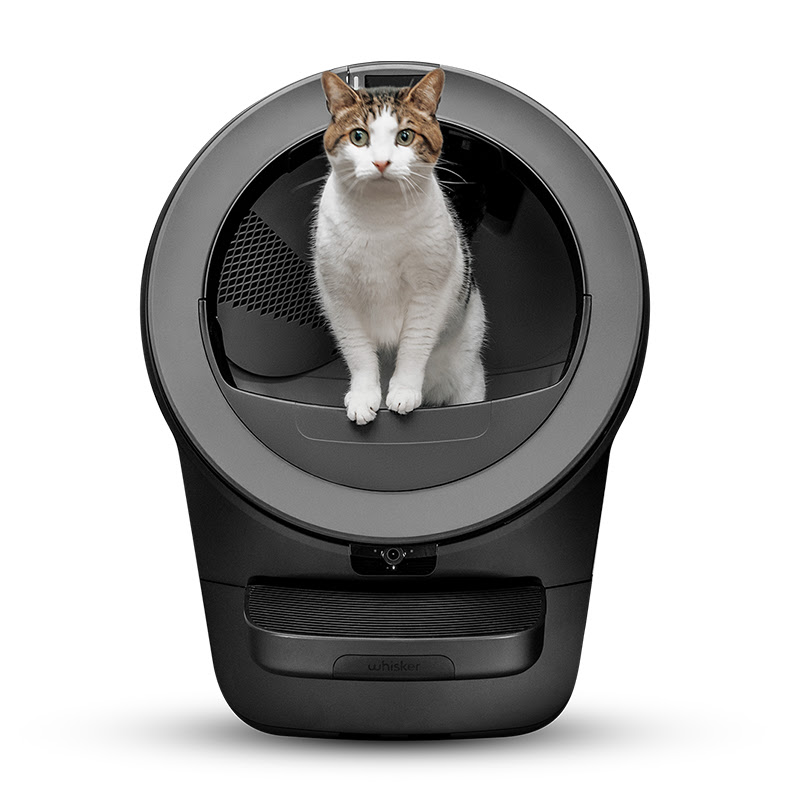
Video Overview
Video Details
PublishedFeb 17, 2025
Duration1:00
Video ID0XhTSAospdc
Languageen
CategoryPets & Animals
PrivacyPublic
Made for KidsNo
Video TypeRegular Video
Performance Metrics
Views133
Likes5
Comments2
Engagement Rate5.26%
Likes per 100 views3.76
Comments per 1K views15.04
Video Tags
Description
Want to customize the cycle delay time on your Litter-Robot 4? Adjusting this setting allows you to control how long the unit waits before cycling after each use. This can help with odor control, clumping efficiency, and pet safety.
🔧 What You’ll Learn in This Video:
✅ How to enter Cycle Delay Setting Mode
✅ How to adjust the cycle delay time (3, 7, or 15 minutes)
✅ Best settings for odor control and clumping efficiency
✅ When to increase or decrease the cycle delay
⏰ Timestamps:
0:00 – Intro
0:12 – Cycle delay options
🔵 3 minutes (Blue light) → Best for odor control
🟡 7 minutes (Yellow light) → Default setting
🔴 15 minutes (Red light) → Best for slow-clumping litter
0:26 – Saving the setting & confirmation light
0:30 – When to decrease cycle delay
0:43 – When to increase cycle delay
0:49 – Getting more help
🛠️ Support Articles:
- Litter-Robot 3: Cycle delay setting - https://www.litter-robot.com/support/article/litter-robot-3-wait-time-setting/
- Why is my Litter-Robot not cycling? Troubleshooting steps - https://www.litter-robot.com/support/article/litter-robot-4-not-cycling/
Visit our support center for more helpful articles: https://www.litter-robot.com/support/
Warranty information: https://www.litter-robot.com/explore/whiskercare
Subscribe for more tips and troubleshooting guides to keep your Litter-Robot running smoothly! 🐱✨ #LitterRobot #CatCare #TroubleshootingTips #whisker
/ @litterrobot
https://www.litter-robot.com/