
Litter-Robot 3 Not Connecting to WiFi - How to Troubleshoot & Connect Litter-Robot to the Wi-Fi
Feb 17, 2025•Channel
AI Analysis
Data from YouTube Data API v3•Updated Just now
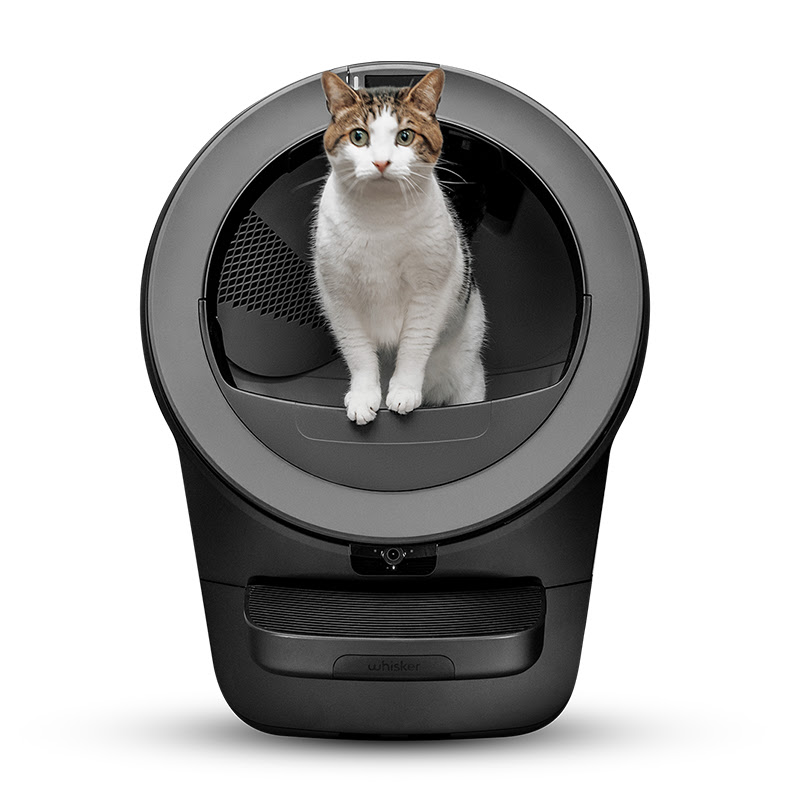
Video Overview
Video Details
PublishedFeb 17, 2025
Duration5:42
Video IDEsP-ROcqHRE
Languageen
CategoryPets & Animals
PrivacyPublic
Made for KidsNo
Video TypeRegular Video
Performance Metrics
Views262
Likes5
Comments0
Engagement Rate1.91%
Likes per 100 views1.91
Comments per 1K views0.00
Video Tags
Description
Litter-Robot not connecting to the Wi-Fi as expected? Follow this step-by-step onboarding guide to properly set up your Litter-Robot 3 and troubleshoot any connection issues.
🔧 What You’ll Learn in This Video:
✅ How to onboard your Litter-Robot 3 Connect to Wi-Fi
✅ Common Wi-Fi connection issues and how to fix them
✅ How to reset your router, modem, app, and robot for a fresh connection
✅ Steps to update your phone & Whisker app for better compatibility
✅ When to contact Whisker Care for replacement parts
🛠 Tools Needed:
- Wi-Fi network credentials (SSID & password)
- Smartphone with the latest Whisker app installed (check app version here https://www.litter-robot.com/the-app.html)
- Router/modem access (for resets, if needed)
⏰ Timestamps:
0:00 – Intro
0:17 – Enabling Litter-Robot’s hotspot
0:30 – Registering the unit
1:25 – Troubleshooting
2:10 – Shared Wi-Fi networks in apartments
2:29 – Using Bluetooth to onboard
2:50 – Hard reset
3:36 – Checking your network
4:38 – What to do if onboarding still fails
4:53 – Ordering replacement parts
Common Wi-Fi Issues & Fixes:
❌ Litter-Robot can’t find my Wi-Fi network → Ensure it's broadcasting in 2.4 GHz
❌ Hidden SSID? → Unhide it in your router settings
❌ Special characters in network name/password? → Use only letters & numbers
❌ Unit not cycling after onboarding? → Reset the unit and try again
If you are under warranty, you can access replacement parts at no cost. Order a one-time replacement for select parts from your account.
📖 More Help & Support:
🛠️ Support Articles:
- Onboarding the Litter Robot to the Connect App - https://www.litter-robot.com/support/article/whisker-app-onboarding-your-litter-robot-3-connect/
- How do I select Litter-Robot WiFi - https://www.litter-robot.com/support/article/how-do-i-select-litter-robot-wifi/
- I onboarded successfully but now I am having problems connecting - https://www.litter-robot.com/support/article/i-onboarded-the-whisker-app-successfully-but-now-i-am-having-problems-within-the-app/
- Says successful onboard but unit shows disconnected in app - https://www.litter-robot.com/support/article/why-does-my-whisker-app-say-successful-onboard-but-the-litter-robot-appears-disconnected/
- I cannot choose home network - https://www.litter-robot.com/support/article/i-cannot-choose-my-home-network-to-onboard-the-connect-app/
- I got a new router Wi Fi network How do I reconnect - https://www.litter-robot.com/support/article/how-do-i-reconnect-if-i-got-a-new-router-wifi-network/
Visit our support center for more helpful articles: https://www.litter-robot.com/support/
Warranty information: https://www.litter-robot.com/explore/whiskercare
Subscribe for more tips and troubleshooting guides to keep your Litter-Robot running smoothly! 🐱✨ #LitterRobot #CatCare #TroubleshootingTips #whisker
/ @litterrobot
https://www.litter-robot.com/