
Apple Notes, Reminders & Calendar: The ONLY Productivity System You Need
Jan 19, 2026•Channel
AI Analysis
Data from YouTube Data API v3•Updated Just now
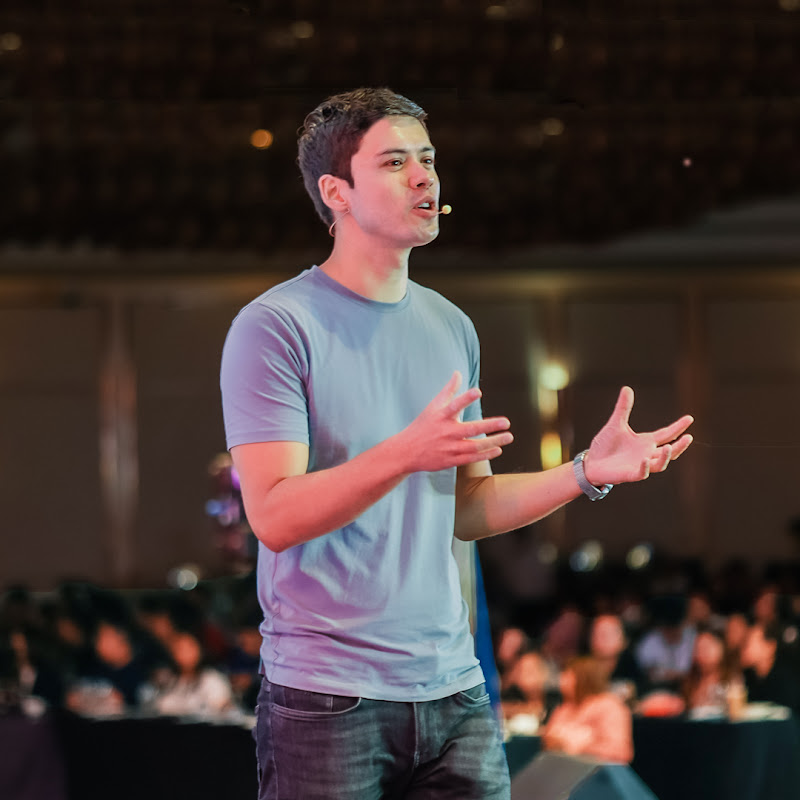
Video Overview
Video Details
Published4 months ago
Duration13:44
Video IDSLu1dWCvyZM
Languageen
CategoryEducation
PrivacyPublic
Made for KidsNo
Video TypeRegular Video
Performance Metrics
Views2.9K
Likes124
Comments8
Engagement Rate4.61%
Likes per 100 views4.33
Comments per 1K views2.79
Video Tags
#apple productivity system#apple notes workflow#apple reminders tips#apple calendar tips#productivity system iphone#productivity apps apple#apple ecosystem productivity#how to use apple reminders#how to use apple notes#apple calendar workflow#free productivity system#iphone productivity tips#best productivity apps 2026#task management iphone#calendar task integration#apple notes workflow system#personal productivity system#work productivity apple#mike dee
Description
⚡️️ Thank you to Superhuman for sponsoring today’s video! Here’s the link to get one month free: https://try.sprh.mn/mikedee
___
💡 In this video, I’ll show you exactly how I use Apple Notes, Reminders and Calendar together as a system, not as separate tools, and why this completely free setup works better than most paid productivity apps.
If you’re tired of constantly switching productivity apps, over-customizing systems, or spending more time organizing work than actually doing work, this setup might be all you need.
___
⚡️ Timestamps ⚡️
0:00 Why I Quit Most Productivity Apps
1:05 The Apple Productivity Triangle Explained
1:34 Apple Reminders: The Foundation
2:07 Location-Based & Smart Lists
2:44 Natural Language & GTD Tag System
3:51 Reminders + Calendar Integration
4:08 Inbox as a Productivity System (Superhuman)
6:10 Apple Calendar as a Personal Assistant
7:04 Custom Alerts & Natural Language Input
8:44 Apple Notes: Speed Over Complexity
10:05 Search, Scan & Collaboration
10:55 Linking Notes to Meetings
11:24 The 1+1=3 Workflow Example
12:32 Why This System Actually Sticks?
___
⛅️ Follow Mike Dee on LinkedIn
https://linkedin.com/in/realmikedee
🌤️ Follow Mike Dee on Instagram:
https://www.instagram.com/realmikedee
☀️ Follow Mike Dee on Facebook:
https://www.facebook.com/realmikedee
___
🎬 Need your YouTube videos editing? Check out my other company Playstack: https://www.playstack.co/
___
This video is sponsored by Superhuman
#apple #productivity #system