
HOW TO: Make Your Photos 4K with Hitpaw Photo AI and After Effects 60fps 4K Render Settings Tutorial
Jan 28, 2024•Channel
AI Analysis
Data from YouTube Data API v3•Updated Just now
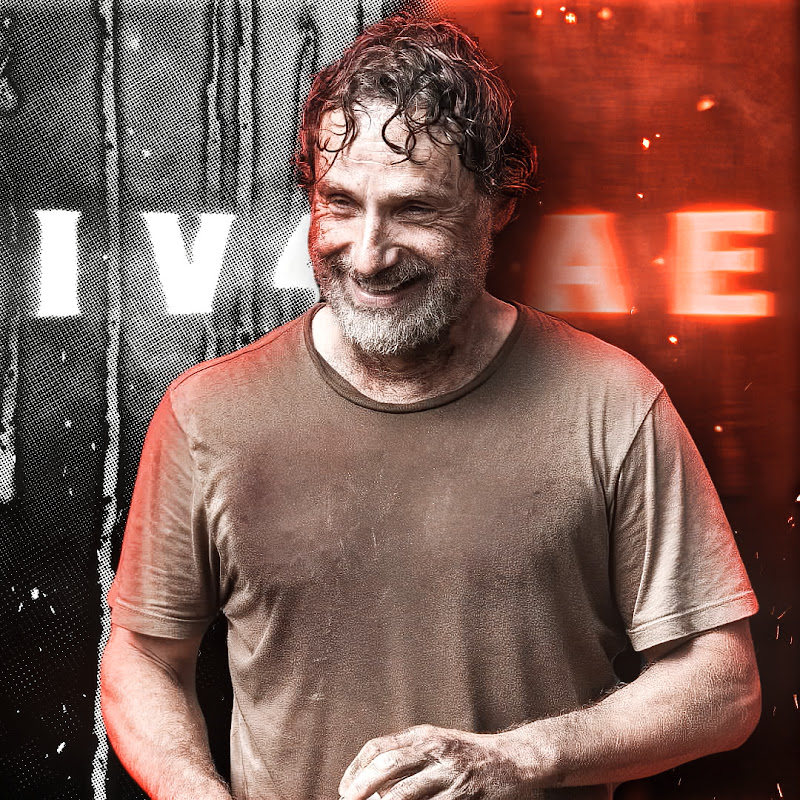
Video Overview
Video Details
PublishedJan 28, 2024
Duration5:56
Video IDUj6SFr-mWQY
LanguageNot specified
CategoryFilm & Animation
PrivacyPublic
Made for KidsNo
Video TypeRegular Video
Performance Metrics
Views4.4K
Likes240
Comments26
Engagement Rate6.00%
Likes per 100 views5.42
Comments per 1K views5.87
Description
Free Download HitPaw Photo AI:https://cutt.ly/ywHqBXTK
Get more times for AI Enhancer:https://cutt.ly/ywHq9pNh
HitPaw Photo AI is the best AI tool for images. With its AI feature, you can easily use this all-in-one solution for photo generator and image enhancers, and also object and background removers.
#HitPaw #HitPawPhotoAI #aftereffects #aftereffectsedit
BUY MY PRESETS FULL SALE : https://payhip.com/IV4RAE0
If I helped you, please like and subscribe
New Tiktok Ac: https://www.tiktok.com/@_iv4rae_
Instagram: https://www.instagram.com/__iv4rae__
Discord: https://discord.gg/dTmG2jR3Fm
Thank you for watching!
0:07 Want this
0:32 Rendered video
0:41 Hitpaw photo ai colorize model
1:18 Hitpaw photo ai Face model 4k upscale
2:25 Hitpaw photo ai colorize model again
2:45 Old photo to 4k
3:08 Object Removal
3:50 After Effects Render Settings
5:45 and it's done