
IT'S OVER: This New AI Can Face Swap any VIDEO
Mar 4, 2026•Channel
AI Analysis
Data from YouTube Data API v3•Updated Just now
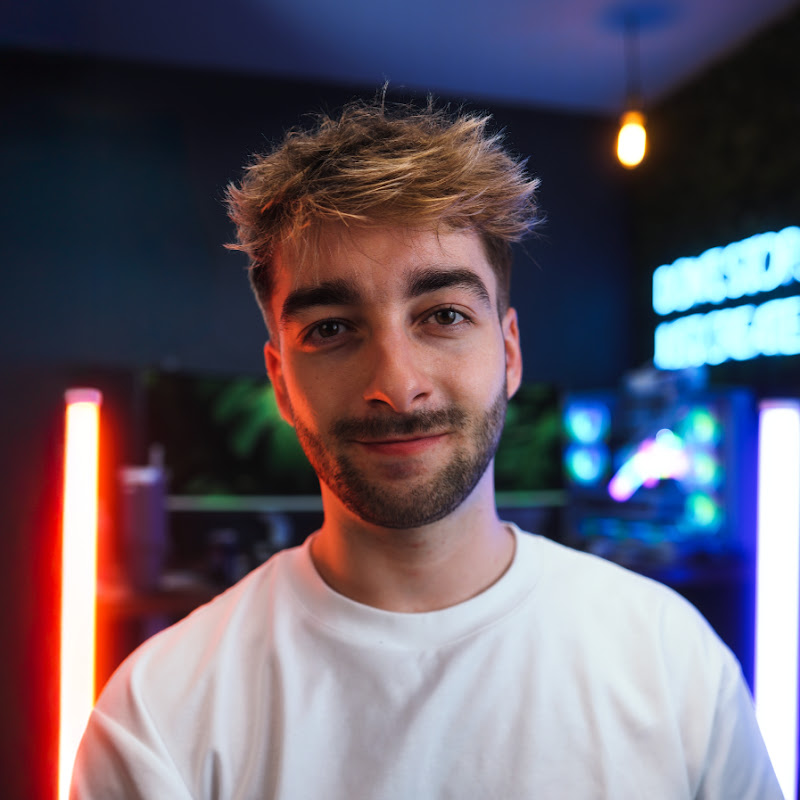
Video Overview
Video Details
Published3 months ago
Duration9:19
Video IDUtono2euM24
Languageen
CategoryHowto & Style
PrivacyPublic
Made for KidsNo
Video TypeRegular Video
Performance Metrics
Views2.4K
Likes128
Comments16
Engagement Rate6.04%
Likes per 100 views5.37
Comments per 1K views6.71
Video Tags
#sebastien jefferies#kling motion control 3.0#kling ai tutorial#kling ai motion control#kling ai video generator#ai video generator#ai motion capture#ai face replacement video#kling ai tutorial 2026#how to use kling ai#vosu ai tutorial#ai video tools#ai lip sync video#kling motion control tutorial#kling ai motion control tutorial#ai video editing tools#ai video workflow#character consistency#kling motion control#kling 3.0 tutorial
Description
👉 Want to master AI content creation and stay ahead of the curve? Join my private AI community → https://sebtips.kit.com/community
🔗 Try (Kling Motion Control 3.0): https://vosu.ai/video/generate/video/kling-3.0-standard-motion-control
AI video just reached another level. In this video I’ll show you how to use Kling Motion Control 3.0 to turn yourself into any character, recreate viral videos, and generate incredibly realistic AI footage with perfect lip sync, facial expressions, and full body movement.
Kling’s latest update improves facial consistency, motion accuracy, and realism, making it easier than ever to create viral AI content for YouTube, TikTok, and social media.
In this tutorial you’ll learn:
• What’s new in Kling Motion Control 3.0
• The differences between Motion Control 2.6 vs 3.0
• How to create AI character videos step-by-step
• The fastest way to generate AI videos using Vosu
• How to recreate viral dance videos and trending content
• A secret trick to improve AI video quality using upscaling
By the end of this video you’ll be able to turn yourself into any character, recreate movie scenes, and produce realistic AI videos in minutes.
Whether you’re a content creator, marketer, or AI enthusiast, this tool opens up huge possibilities for viral content and storytelling.
📌 Most Recommended Tools & Resources:
My Camera Gear List → http://gear.sebtips.com
My Export Presets for Reels & YouTube → https://neon.ly/ExportPresets
🧠 AI Tools I use:
Best AI Video Clone → http://clone.sebtips.com
Auto Edit Short Form Videos in 1 Click → http://magic.sebtips.com
Add Dynamic Captions for 100% FREE → http://opus.sebtips.com
Backup & Download all TikTok Videos → http://repost.sebtips.com
Automatically Edit Videos In Premiere Pro → http://firecut.sebtips.com
Effortlessly Remove All Silences From Any Video → http://gling.sebtips.com
📧 My Email Newsletter - Weekly Tech/AI updates → http://news.sebtips.com
👽 100+ AI ToolKit → http://aitools.sebtips.com
💻 My Favourite Editing Assets:
Free Audio Enhancer To Studio Level Quality → http://audio.sebtips.com
Music + SFX → http://artlist.sebtips.com
Video Assets → http://motion.sebtips.com
Video Templates → http://templates.sebtips.com
My Video Editing Software → http://adobe.sebtips.com
⏰ Timecodes ⏰
00:00 AI Can Turn You Into Any Character
01:05 What’s New in Kling Motion Control 3.0
02:07 Method 1: Using Kling Motion Control
03:11 Method 2: Faster Method Using Vosu AI
04:36 Using Viral Video Templates
06:07 Upscaling AI Videos for Better Quality
06:50 Creating AI Images for Motion Control