
Creating cinematic AI videos doesn’t have to be complicated.
Feb 1, 2026•Channel
AI Analysis
Data from YouTube Data API v3•Updated Just now
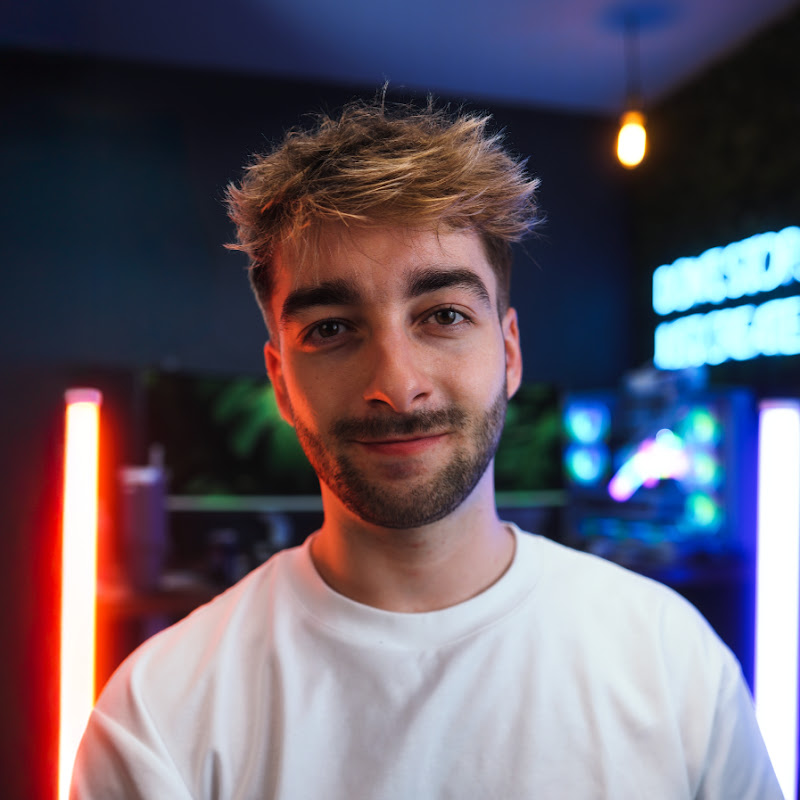
Video Overview
Video Details
Published4 months ago
Duration0:50
Video IDZD4T4upmld0
Languageen
CategoryHowto & Style
PrivacyPublic
Made for KidsNo
Video TypeYouTube Short
Performance Metrics
Views825
Likes16
Comments3
Engagement Rate2.30%
Likes per 100 views1.94
Comments per 1K views3.64
Description
Creating cinematic AI videos doesn’t have to be complicated.
This entire reel was made using Artlist's new AI toolkit, which brings AI image generation and AI video generation into one place. No more jumping between different AI tools or platforms.
I started by uploading a few reference photos and writing one detailed prompt to generate a strong base AI image. From there, I expanded the concept using a 3x3 AI contact sheet to build a complete visual storyline.
Once I selected my favorite frames, I switched to video mode and used Grok Imagine to turn those AI images into cinematic AI videos with consistent style and motion.
If you want my full step-by-step guide and the exact AI prompts I used...
comment “ART” and I’ll send everything over. Also keep an eye out, Artlist Studio is launching soon and it’s going to change how creators use AI for video.
#AIvideos #AIimagegenerator #Artlist #AICreator AI Filmmaking AI Video Generator Creative AI AI Content Creation AI Video Tools Cinematic AI AI Workflow