
How to Build AI Chatbot for Zendesk Support with n8n in 15 Minutes
Dec 12, 2025•Channel
AI Analysis
Data from YouTube Data API v3•Updated Just now
Video Overview
Video Details
Published7 months ago
Duration15:36
Video IDaYoPSEmGJbc
Languageen
CategoryScience & Technology
PrivacyPublic
Made for KidsNo
Video TypeRegular Video
Performance Metrics
Views62
Likes3
Comments4
Engagement Rate11.29%
Likes per 100 views4.84
Comments per 1K views64.52
Video Tags
Description
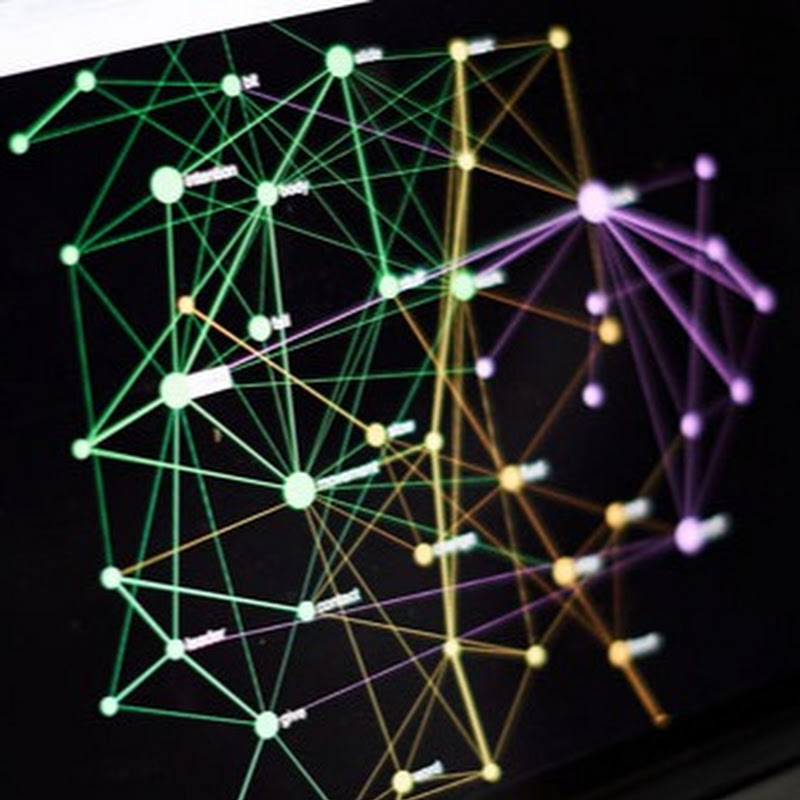
In this video, I'm going to demonstrate how to build a custom AI chatbot for Zendesk support portal using https://infranodus.com and n8n automation tool.
It works much better than the native Zendesk AI chatbot and provides more precise responses. It uses the InfraNodus ontology expert graph under the hood (via Graph RAG) to improve the quality of the output and is very easy to set up and deploy in production. In fact, we use it ourselves at https://support.noduslabs.com and you can compare it to the native Zendesk one on https://infranodus.com to see the difference.
Timecodes:
0:00 Our chatbot outperforms the Zendesk’s native one
1:01 Workflow walkthrough - how it works
2:42 How GraphRAG Expert InfraNodus Node works
4:25 Demo of the AI chatbot flow
8:29 How to set this node up
10:08 3 ways to create the “ontology” brain in InfraNodus
13:49 Connecting to Zendesk
14:18 Deploying your chatbot to your support portal
To set up your n8n account: https://n8n.partnerlinks.io/reasoning-agents
To create an InfraNodus account: https://infranodus.com
Popup / embed widget for your website: https://n8n-chat-widget.com
This workflow as JSON to import into your n8n instance: https://github.com/infranodus/n8n-infranodus-workflow-templates/blob/main/customer-support-email/zendesk-ai-chatbot-agent.json
Full tutorial: https://support.noduslabs.com/hc/en-us/articles/24080152180252-Building-an-Embeddable-AI-Chat-for-Zendesk-Knowledge-Support-Portal