
Easily Build Your Own Digital Assistant with OpenClaw on Hostinger VPS (in 3 steps!)
May 18, 2026•Channel
AI Analysis
Data from YouTube Data API v3•Updated Just now
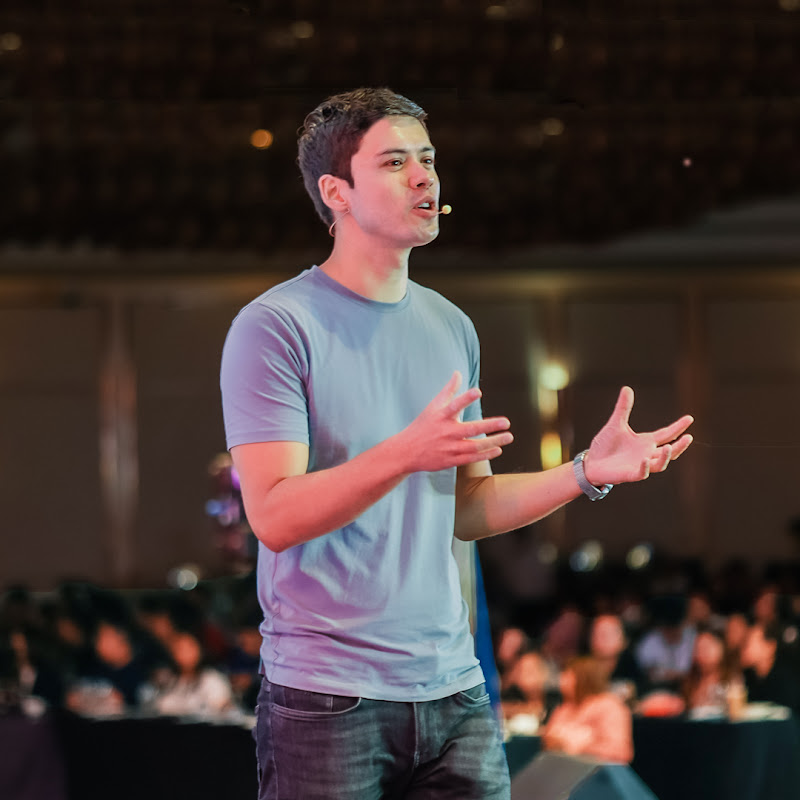
Video Overview
Video Details
Published1 month ago
Duration8:44
Video IDdw3PklqVvvE
Languageen
CategoryEducation
PrivacyPublic
Made for KidsNo
Video TypeRegular Video
Performance Metrics
Views249
Likes14
Comments1
Engagement Rate6.02%
Likes per 100 views5.62
Comments per 1K views4.02
Video Tags
#openclaw#openclaw tutorial#openclaw setup#openclaw hostinger#openclaw vps#hostinger vps#ai assistant#digital assistant ai#build ai assistant#how to build ai assistant#ai automation#openclaw ai#hostinger openclaw#self hosted ai assistant#vps ai assistant#openclaw whatsapp#openclaw automation#google sheets ai automation#ai virtual assistant#ai tools 2026
Description
🚀 Get 10% discount using the code MIKEDEE with Hostinger VPS here: https://hostinger.com/mikedee
___
💡 AI chatbots like ChatGPT and Claude are powerful… but what if your AI could actually DO things for you automatically?
In this video, I’ll show you how to build your own 24/7 AI digital assistant using OpenClaw on a Hostinger VPS, step by step and in a beginner-friendly way.
___
⚡️ Timestamps ⚡️
0:00 The AI upgrade nobody talks about
0:38 This isn’t just another AI chatbot
1:18 Why serious users run this on a VPS
2:02 Building your AI assistant
3:37 The one setting you MUST protect
3:55 Your assistant goes live
4:28 Giving your AI a phone number
5:52 The hidden control center
6:19 The moment it started saving me time
7:41 Why this changes productivity completely
___
⛅️ Follow Mike Dee on LinkedIn
https://linkedin.com/in/realmikedee
🌤️ Follow Mike Dee on Instagram:
https://www.instagram.com/realmikedee
☀️ Follow Mike Dee on Facebook:
https://www.facebook.com/realmikedee
___
This video is sponsored by Hostinger.
#openclaw #aiassistant #hostinger