
I tried the Apple Vision Pro as a Developer - VS Code in VR!
Jul 28, 2024•Channel
AI Analysis
Data from YouTube Data API v3•Updated Just now
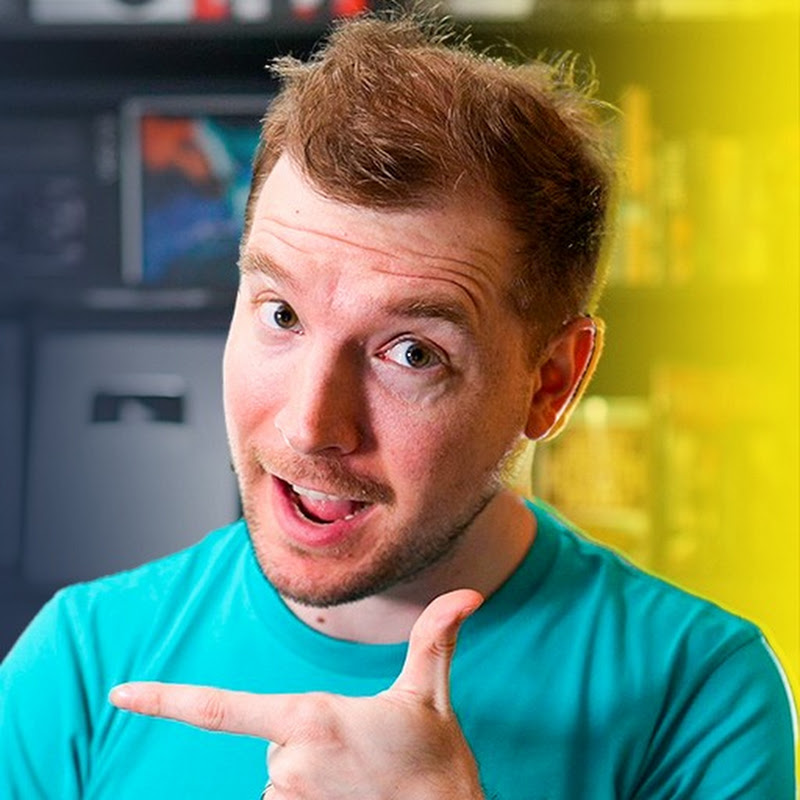
Video Overview
Video Details
PublishedJul 28, 2024
Duration14:34
Video IDlE_2t8SnFp4
Languageen
CategoryScience & Technology
PrivacyNot specified
Made for KidsNo
Video TypeRegular Video
Performance Metrics
Views9.2K
Likes194
Comments31
Engagement Rate2.44%
Likes per 100 views2.11
Comments per 1K views3.36
Video Tags
Description
So I tried Apple's new Virtual Reality Headset called the Apple Vision Pro. I decided to test what it would be like as a programmer to use it properly for creating web designs and coding inside of visual studio code!
I discovered it was a lot of fun, however it might not be what you expect if you're planning to use it as your workhorse device. While VR is still quite new, website design still feels better for me on a traditional monitor. There are still a lot of smarts that Apple have added in the hardware and software that makes the AVP a technological marvel!
#apple #visionpro #programming
Apple Vision Pro Website:
https://www.apple.com/au/apple-vision-pro/
As a programmer, I tried being a developer and using the apple vision pro. Apple and the vision pro also known as the avp is a vr or virtual reality headset I tried coding and programming on. To code a website or do development on the AVP. The Apple Pro Vision technology is pretty interesting for coding in vr. VR coding or VR programming is not as fun as programming without vr. While the Apple Vision pro Coding experience is interesting, I wouldn't recommend using the apple vision pro programming day to day. Figma inside of VR was similar. While vscode in VR was also not as good.
Title Ideas:
I tried the Apple Vision Pro as a Developer
I tried the Apple Vision Pro as a Programmer
Want to learn more? ⭐ Check out my courses! ⭐
📘 Teach Me Design - Course: https://www.enhanceui.com/
📚 OpenAI + GPT - Course & Templates: https://enhanceui.gumroad.com/
Software & Discounts:
📦 Admin Templates and UI Kits: https://themeselection.com/?ref=36
💻 Screen Recorder: https://screenstudio.lemonsqueezy.com?aff=po745
✖ Editor X: https://www.editorx.com/adrian-twarog
🚾 Webflow: https://webflow.grsm.io/adrian
🌿 Envato: https://1.envato.market/yRZjz2
🌿 Envato Elements: https://1.envato.market/LP0OJZ
🔴 Elementor: https://elementor.com/adrian/?ref=23140
Computer Gear:
⬛ Monitor: https://amzn.to/3f9DOQI
⌨ Keyboard: https://amzn.to/3eA5UFD
🐁 Mouse: https://amzn.to/3xVJO8l
🎤 Mic: https://amzn.to/3hgCfms
📱 Tablet: https://amzn.to/3ewt7sa
💡 Lighting: https://amzn.to/3vOZeZY
💡 Key Lighting: https://amzn.to/3f6qP2f
Camera Equipment:
📷 Camera: https://amzn.to/3uCv4J9
📸 Primary Lens: https://amzn.to/3vT6wMm
📸 Secondary Lens: https://amzn.to/3tyqWIX
🎥 Secondary Camera: https://amzn.to/3o2zCGi
🎙 Camera Mic: https://amzn.to/33tCz9l
🎞 USB to HDMI: https://amzn.to/33yW9RE