
How to Replace Litter-Robot 4 Cat Sensors | Laser Board Sensor Installation
Feb 17, 2025•Channel
AI Analysis
Data from YouTube Data API v3•Updated Just now
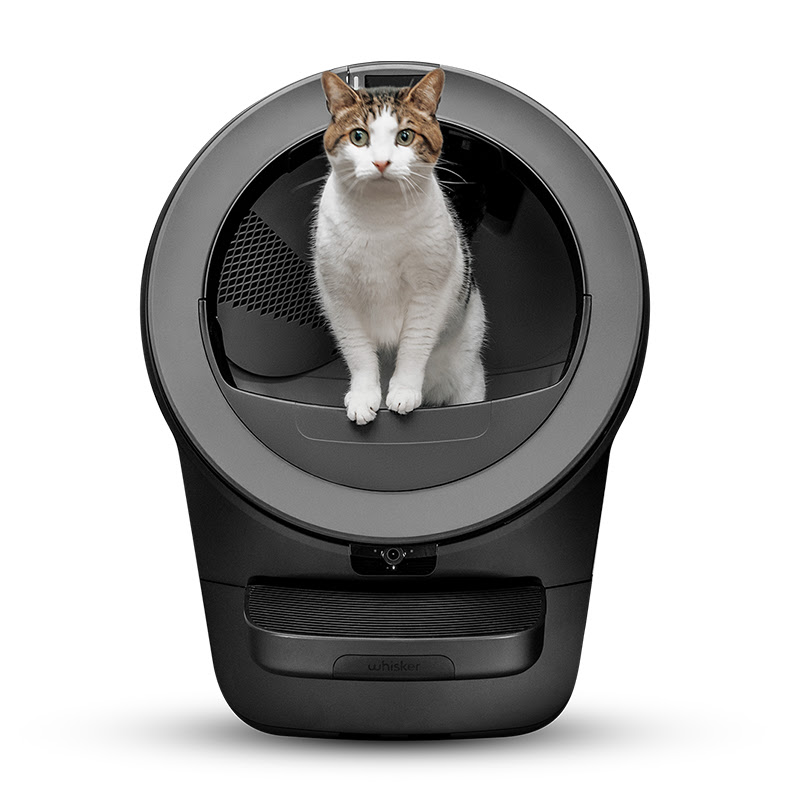
Video Overview
Video Details
PublishedFeb 17, 2025
Duration4:15
Video IDm9pkoDCwM14
Languageen
CategoryPets & Animals
PrivacyPublic
Made for KidsNo
Video TypeRegular Video
Performance Metrics
Views284
Likes5
Comments0
Engagement Rate1.76%
Likes per 100 views1.76
Comments per 1K views0.00
Video Tags
Description
Is your Litter-Robot 4 having sensor issues? If you've determined that you need to replace the laser sensor board, this step-by-step guide will walk you through the proper installation process to get your unit running again.
🔧 What You’ll Learn in This Video:
✅ What the cat (laser) sensors do in Litter-Robot 4
✅ Step-by-step guide to replacing the laser sensor board
✅ How to properly reassemble your Litter-Robot
✅ How to verify a successful installation
✅ What to do if your unit displays a red & blue alternating light
🛠 Tools Needed:
- Replacement laser sensor board
- Phillips screwdriver
- Magnetized screwdriver (optional, for easy screw removal)
- Soft cloth or towel (to prevent scratches)
⏰ Timestamps:
0:00 – Intro
0:19 – When to replace
0:30 – Disassembling Litter-Robot
1:47 – Locating and disconnecting the laser sensor board
2:08 – Installing the new laser sensor board
2:24 – Reassembling Litter-Robot
3:13 – Powering on the unit and checking for errors
3:20 – Troubleshooting
3:32 – Ordering replacement parts
📌 Need Replacement Parts?
If you are under warranty, you can access replacement parts at no cost. Order a one-time replacement for select parts from your account.
Consult our related support articles or contact our team.
🛠️ Support Articles:
- Litter-Robot 4 Laser Board Installation Guide - https://www.litter-robot.com/support/article/litter-robot-4-laser-board-installation-guide/
- Litter-Robot 4: Laser sensor cleaning instructions - https://www.litter-robot.com/support/article/litter-robot-4-laser-sensor-cleaning-instructions/
- Litter-Robot 4: Calibrating the drawer full indicator - https://www.litter-robot.com/support/article/litter-robot-4-calibrating-omnisense-laser-sensors/
Visit our support center for more helpful articles: https://www.litter-robot.com/support/
Warranty information: https://www.litter-robot.com/explore/whiskercare
Subscribe for more tips and troubleshooting guides to keep your Litter-Robot running smoothly! 🐱✨ #LitterRobot #CatCare #TroubleshootingTips
/ @litterrobot
https://www.litter-robot.com/